Series · Office365Versions.com: release facts for people, scripts and assistants · Part 2 of 3
REST API · Azure API Management · Microsoft 365 Apps · Windows Server · .NET
Office365Versions.com, part 2: querying release data through REST
Choose REST endpoints for Office and Windows release lookups, preserve download and servicing context, and handle gateway errors and stale cached data.
- Drafted
- Published
- Updated
- Reading time
- 8 min
- Author
- Roberto Gramellini
Source: Office365Versions.com
- Office365Versions.com
- release data API
- Ocp-Apim-Subscription-Key
- channel release history
- API freshness
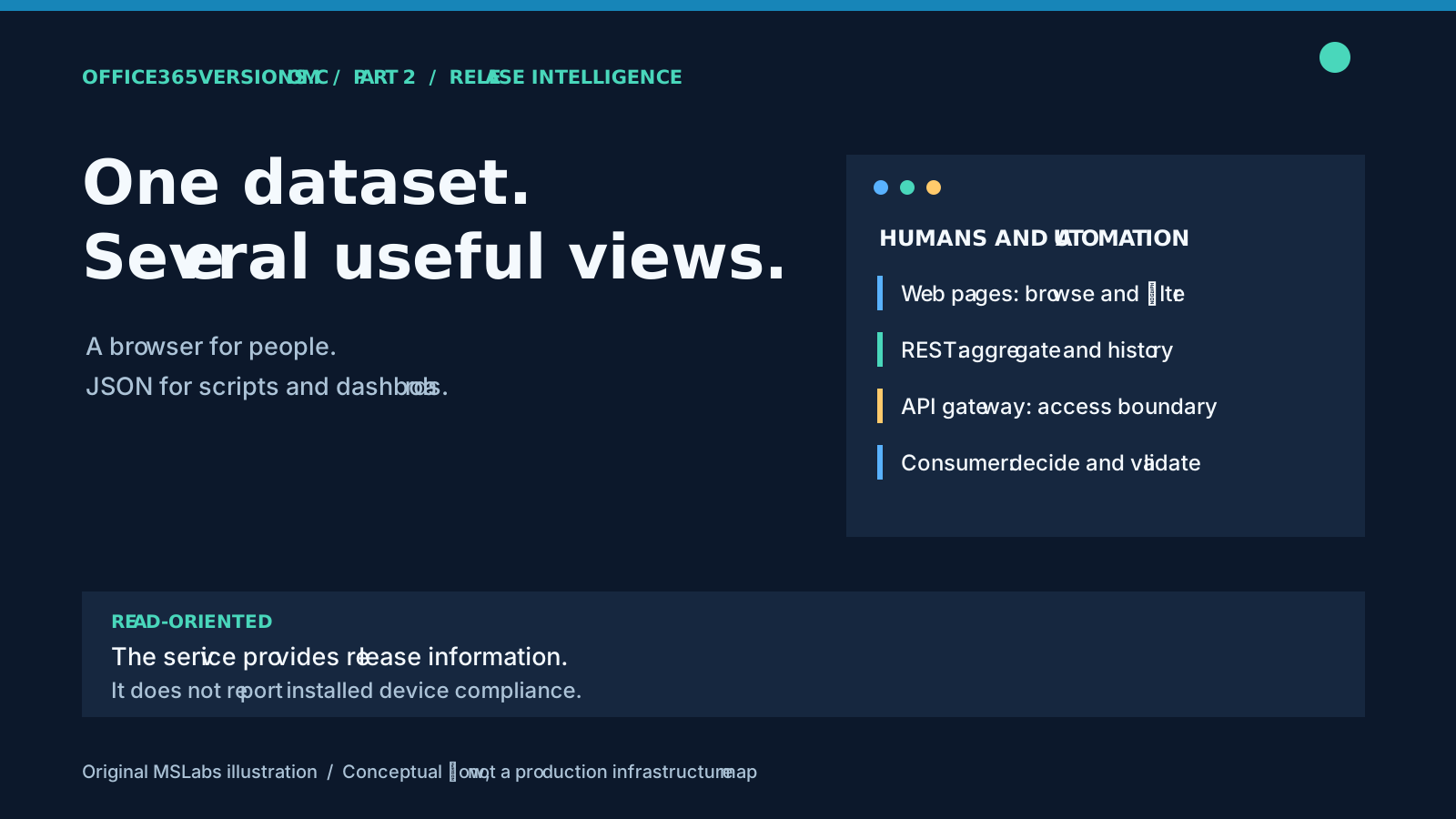
Checking a build in the browser is fine until the same fact is needed in tomorrow's report, and every report after that. A dashboard may need the whole channel history too. Giving each consumer its own HTML scraper would spread the maintenance around very democratically. I'd rather share the release records.
Office365Versions.com has a documented REST interface alongside its website, covering Microsoft 365 Apps, Windows client and Windows Server releases. Here we follow a request through stored records, application services, controllers and the public gateway. The last part of the work belongs to the consumer: interpreting what actually came back.
If you are joining here, part 1 explains collection and storage. Part 3 looks at a narrower assistant-facing interface.
Reuse the records
Microsoft documentation remains authoritative. What an integration needs is a repeatable lookup, without making every report depend on the layout of several upstream pages.
Office retrieval sits behind IOffice365Service, Windows retrieval behind IWindowsVersionsService. Controllers use those interfaces instead of extracting Office tables themselves. That lets browser pages and machine-oriented endpoints use the same release concepts.
There are still different response schemas, and a read can do collection work. Some Windows read paths try a refresh when stored data is unavailable. Allow for delays and failures; the fact that you sent a GET does not mean fresh data was already waiting.
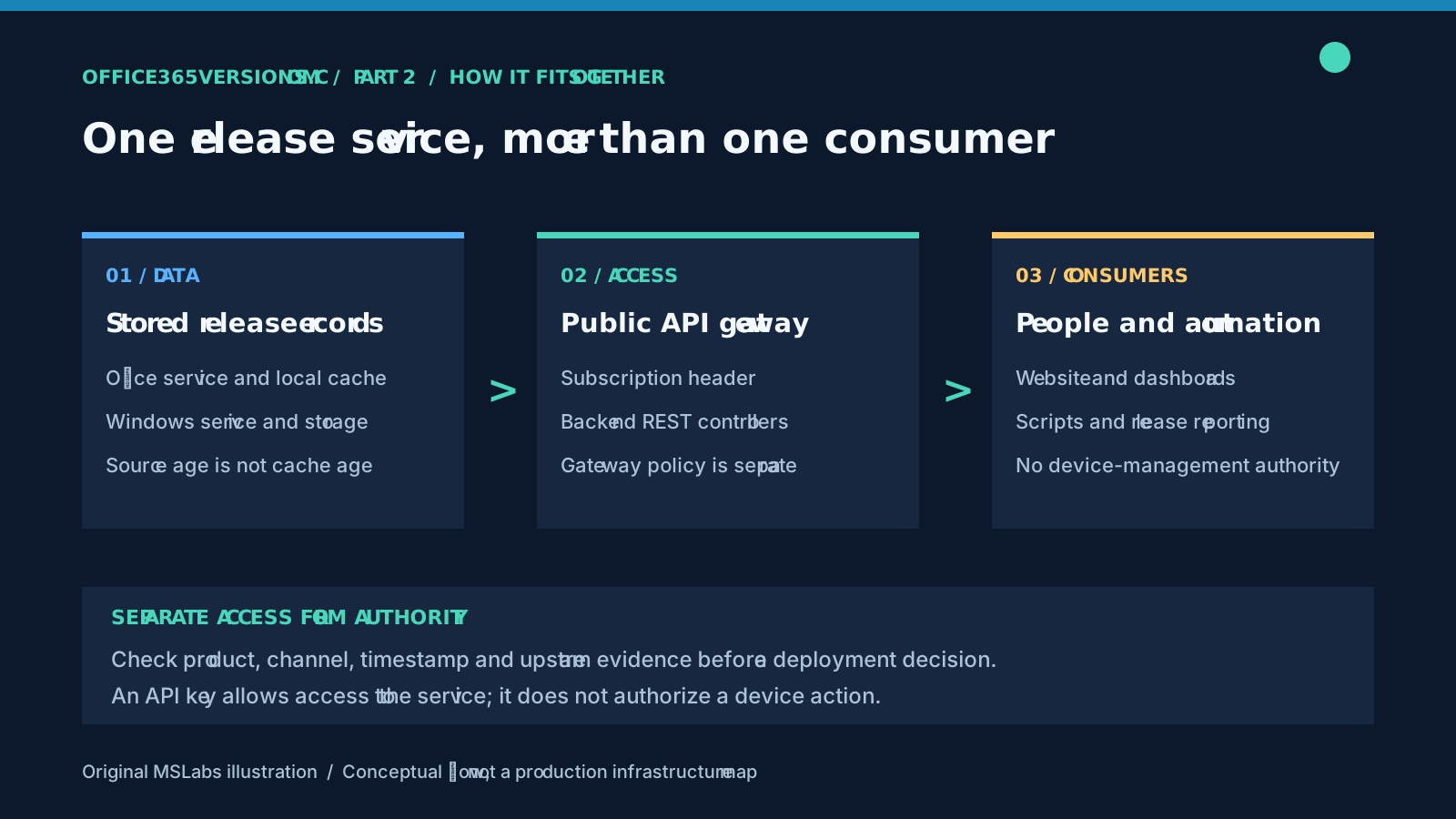
This is a conceptual diagram, not a map of an Azure deployment. Gateway policy, backend behavior and the downstream report each need their own attention.
Pick the endpoint that matches the question
Check what "latest" means before choosing a route. The Office root GET calls GetLatestVersionsAsync to read the supported/latest dataset. If you want all historical releases, that is the wrong starting point.
| Question | Reviewed backend REST route |
|---|---|
| Which Office channel/version combinations are in the supported/latest dataset? | GET /api/M365AppsReleases |
| What release history is available for an Office channel? | GET /api/M365AppsReleases/channel/{channel} |
| What does the service select as latest for a channel? | GET /api/M365AppsReleases/channel/{channel}/latest |
| What Windows 11 release rows are available? | GET /api/WindowsVersions/windows11/releases |
| What Windows Server 2025 release rows are available? | GET /api/WindowsVersions/server2025/releases |
| What Office source-to-target download estimates are available? | GET /api/M365AppsReleases/download-sizes |
| What SafeOS Dynamic Update packages are available? | GET /api/WindowsVersions/safeos |
| What Hotpatch releases, baselines and calendars are available? | GET /api/WindowsVersions/hotpatch |
Dedicated Windows Server routes also exist for 2016, 2019 and 2022. I'd inspect the route and response rather than assume a combined Windows client view contains the server families.
Here is the complete root Office action, including the paths for unavailable data and exceptions:
[HttpGet]
public async Task<ActionResult<Office365VersionsData>> Get()
{
    try
    {
        _logger.LogInformation("Fetching all Office 365 versions data");

        var data = await _office365Service.GetLatestVersionsAsync();

        if (data == null)
        {
            _logger.LogWarning("No Office 365 versions data available");
            return NotFound("Office 365 versions data not available");
        }

        return Ok(data);
    }
    catch (Exception ex)
    {
        _logger.LogError(ex, "Error retrieving Office 365 versions data");
        return StatusCode(500, "Internal server error occurred while fetching data");
    }
}
Complete action, with indentation and blank-line whitespace normalized. It runs inside the application's controller with its injected release service and logger.
Exceptions are logged and become HTTP 500 with a generic message; a missing Office dataset becomes HTTP 404. An empty channel lookup also returns 404. That last case needs care: check spelling, available data and the current contract before concluding that the channel has no release anywhere.
Preserve the context of the newer datasets
Download sizes have their own snapshot. Each entry identifies channel, source version/build, target version/build, source release date, publication date and approximate size in MB. Snapshot metadata supplies the Microsoft source, x64 architecture, en-US language and last successful refresh. A join needs the full transition, not just a matching target build.
In a bandwidth report, I'd keep "from this source build, on this channel, to this target build" next to the estimate. Missing transitions mean estimate unavailable, never zero MB. Microsoft's download-size guidance explains the possible 50 MB variation, larger downloads from older builds and the effect of changing channel.
SafeOS records describe recovery-environment packages: product/version, architecture, KB, catalog package size and available support details. Hotpatch snapshots distinguish released updates from calendar entries and retain update kind plus restart/baseline context. If a stored dataset cannot load, these three dedicated snapshot actions return HTTP 503. That is a failure to obtain data, not a successful empty list.
Windows client release tracking includes Windows 11 26H2, generally available since September 29, 2026, according to Microsoft's release information. Keep that feature version separate from the servicing type: a 26H2 cumulative update, a SafeOS package and a Hotpatch entry are not interchangeable answers to "what should this device install?"
These routes were verified in the backend implementation. Check public API documentation before calling them through the gateway: not every implemented operation is necessarily published there, and access requirements belong to that public contract.
Use the gateway contract, not an assumed backend address
The public API documentation advertises https://api.office365versions.com and the Ocp-Apim-Subscription-Key request header. Consult that page for current access instructions and limits.
Here is an original PowerShell request example, not a source-code excerpt:
$headers = @{
    'Ocp-Apim-Subscription-Key' = $env:OFFICEVERSIONS_API_KEY
}

if ([string]::IsNullOrWhiteSpace($headers['Ocp-Apim-Subscription-Key'])) {
    throw 'Set OFFICEVERSIONS_API_KEY using the current service access instructions.'
}

$response = Invoke-RestMethod `
    -Uri 'https://api.office365versions.com/api/M365AppsReleases' `
    -Headers $headers `
    -TimeoutSec 30 `
    -ErrorAction Stop

$response.data |
    Select-Object channel, version, build, latestReleaseDate
There is no real key in this example. Supply yours through the environment or a suitable secret store and do not print it. Use the header rather than a query parameter that can end up in URL logs. This shared key grants access to the service; it supplies neither a device identity nor authority to administer a tenant.
The Office and Windows REST controllers carry the named api-strict rate-limiting policy. API Management adds its own access and policy layer. Reading the source cannot establish its currently deployed throttling settings. The review confirmed HTTP 401 for uncredentialed requests to the advertised Office API path; it did not exhaustively test gateway policies.
In the consuming job, treat 401/403 as access problems, honor a documented retry delay after 429 and bound retries for transient failures. A failed request must stay a failed request, rather than becoming an empty or compliant result.
A cache has a different clock from the source
Office365Service has an aggregated-data cache and a separate cache per channel-history endpoint, with a one-hour lifetime in the reviewed code. On fetch errors, the service can return expired cached data and records that decision in its logs.
Returning expired data can keep a report available during an upstream failure. It also means HTTP 200, received just now, may contain release information collected much earlier.
Keep Office payload metadata such as DataForNerds, including LastUpdatedUTC and source-page information, when building the report. Replacing it with "downloaded just now" loses useful evidence. Windows response shapes differ by route: inspect what each actually returns rather than assume one field certifies freshness for every product.
I'd record retrieval time alongside available source/collection timestamps, flag stale or missing evidence and retain product, channel, edition and servicing context. Cache expiry helps manage performance. It does not approve a deployment.
Release information is not installed-state information
You still need your own device inventory. A release in Current Channel is not automatically the right target for a Monthly Enterprise device. Windows builds need edition and servicing context too. Comparing version strings cannot complete an applicability or lifecycle check.
Query an inventory source you are authorized to use and keep those records in your controlled environment while comparing release facts. The public lookup service needs no device names, user identifiers or tenant exports.
These examples retrieve and select data. They do not change rings or install updates. An integration that goes on to act needs its own identity, approvals, logging and rollback plan; the release API supplies none of that authority.
Try the service on its own terms
Start at Office365Versions.com and the API documentation with one product/channel question you can check against Microsoft documentation. Once that works, decide which fields, timestamps and failure states the report must keep. It is easier to get that right before the scheduled job becomes something everyone trusts.
Code excerpt: OfficeVersionsCore contributors. The request example, explanation and illustrations are original.
Next: expose selected release lookups to an assistant through MCP.