Intune · Azure Monitor · Log Analytics · mTLS · PowerShell · Telemetry
LogCollector: device telemetry without shared keys
An overview of certificate-authenticated telemetry, offline delivery and Azure ingestion, with the hosting and packaging constraints worth checking before deployment.
- Drafted
- Published
- Updated
- Reading time
- 6 min
- Author
- Roberto Gramellini
Source:
MSLabs editorial
· revision 59101cea
- Intune
- Azure Monitor
- Log Analytics
- mTLS
- PowerShell
- Telemetry
LogCollector: device telemetry without shared keys
An inventory script needs to send data to Log Analytics. The quick answer is often to put the workspace key in the script and deploy it to every endpoint. I would stop at that step. It turns one write credential into thousands of copies, and extracting one copy is enough to inject forged data into the workspace.
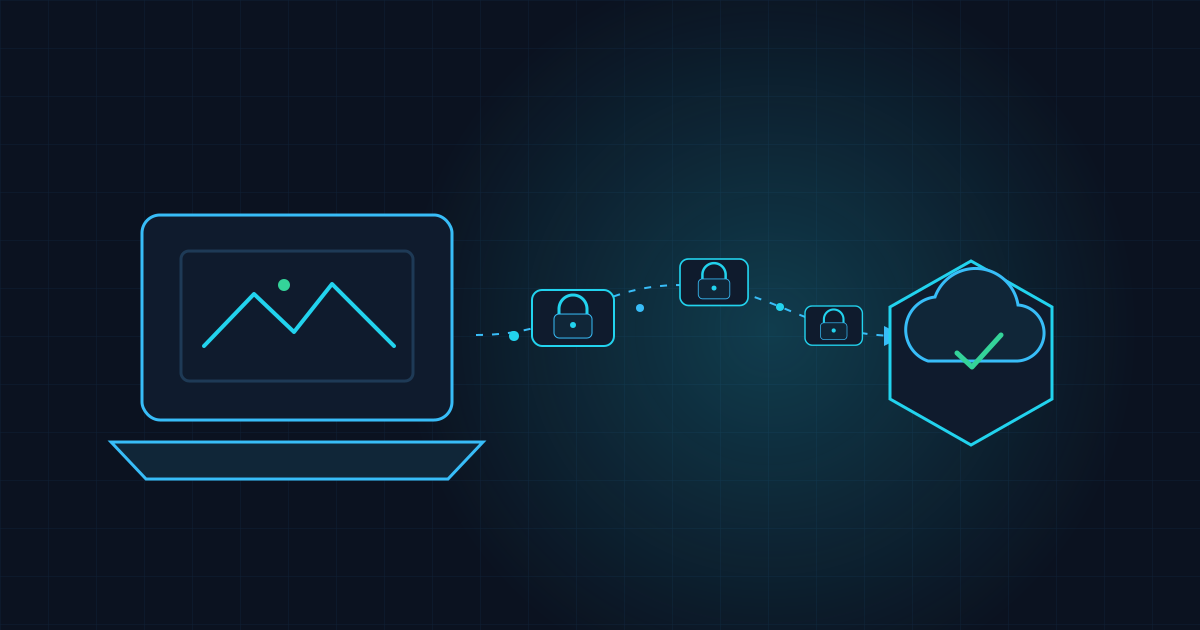
LogCollector takes another route. Intune deploys the Windows collection components; every request proves device identity with a certificate and signature, and telemetry reaches Azure Monitor through the cloud pipeline. Devices do not need workspace keys, function keys, or another shared secret. The extra validation is work, but at least the credential belongs to one device.
Why not "just use the workspace key"?
Inventory is only the first producer. Remediation results and health checks need transport too, and I would rather not build a separate service for each new script. A shared pipeline still has to handle the less convenient parts of endpoint telemetry:
- Assume devices will be offline for much of their working life, especially laptops.
- A large payload may be far bigger than one queue message.
- The backend needs to establish which device sent it and reject both impostors and replayed requests.
- A new telemetry type should not need another service implementation.
The architecture, front to back
On the device, the Intune Win32 Core package installs the client module and a protected endpoint configuration. It collects nothing on its own. Producers such as Inventory depend on Core and run as scheduled tasks. That separation is useful: adding a producer means adding a small package, not replacing the transport platform.
At the edge, a Linux App Service receives telemetry over TLS 1.2+ with mutual TLS. TLS acceptance is not the end of validation. The frontend revalidates the chain, checks the body signature, atomically reserves the (certificate, nonce) pair in Table Storage against replay, checks device identity, and enforces the table/stream allow-list.
The payload itself goes into Blob Storage. Service Bus gets a pointer, not a large inventory document. A .NET 10 isolated Function on Flex Consumption takes the pointer, verifies SHA-256, adds server-asserted identity columns, and builds chunks of 850 KB or less. It publishes through the Logs Ingestion API, using a Data Collection Endpoint and a direct Data Collection Rule.
Device (cert + signature) --mTLS--> Frontend (validate, anti-replay, allow-list)
Frontend --> Blob (payload) + Service Bus (pointer)
Worker --> verify SHA-256 -> project rows -> chunk <= 850 KB
Worker --(Logs Ingestion API, managed identity)--> DCE/DCR --> Log Analytics table
Service-to-service access uses managed identity and RBAC. Storage key authentication is switched off, so removing endpoint secrets has not just moved them to cloud configuration.
The choices I would keep
The spool: patience as a feature
When the backend is unreachable, collection writes to a durable local spool instead of dropping the data. Writes are atomic and retention is bounded: 7 days, 500 entries, 64 MB. The oldest entries are delivered first, before new submissions, so fresh data does not continually displace the backlog in the delivery schedule. Permanent failures go to quarantine, leaving the remaining entries free to proceed.
Retries need care. A signature is tied to a timestamp and nonce; storing it with the entry would make a later retry fail replay protection. Each delivery attempt generates a fresh signature. The stored item is the telemetry, not a request whose security envelope has already expired.
Schema as configuration
To add a telemetry purpose, define its table and stream mapping. There is no new service code path for each type. Bicep builds the data flows from the table definitions:
dataFlows: [for table in telemetryTableDefinitions: {
    streams: [ 'Custom-${table.name}' ]
    destinations: [ 'inventoryWorkspace' ]
    transformKql: 'source'
    outputStream: 'Custom-${table.name}'
  }
]
Pass-through KQL (source) keeps the DCR simple. For me, fewer transformations here also means fewer places to look when a row arrives differently from what the producer sent.
Two schedules, one job each
Inventory collects on Wednesday and Saturday mornings, with a two-hour random delay. A separate task drains the spool hourly. Ten thousand devices need not report at precisely 09:00; synchronized attendance is enough trouble in meetings.
$weekly = New-ScheduledTaskTrigger -Weekly -DaysOfWeek Wednesday,Saturday -At '09:00' -RandomDelay (New-TimeSpan -Hours 2)
$drain  = New-ScheduledTaskTrigger -Once -At ((Get-Date).AddMinutes(5)) -RepetitionInterval (New-TimeSpan -Hours 1)
Deployment details that matter
These are the constraints I would read before choosing hosting plans or packaging a release.
- Flex Consumption cannot do client-certificate ingress. Use App Service for the mTLS frontend and Flex Consumption for scale-to-zero worker processing; they are hosted differently for a reason.
- A queue is not payload storage. Large inventory documents exceed a 256 KB message, hence blob-plus-pointer.
- mTLS affects deployment too. Mandatory client certificates reach Kudu/SCM as well. The deployment script temporarily adjusts access restrictions while retaining a fail-closed posture.
- Storage and Function names are global. Choose the deployment prefix carefully at first deployment; those names must be unique worldwide.
- Device validation needs Graph permission (
Device.Read.All). Disabling it is possible, but weakens tenant-membership validation, as the documentation states. - Versions move independently. Backend, Core, and Inventory have evolved separately while keeping legacy signature formats, routes, tables, queues, and spool entries working. Compatibility still has to be preserved across those boundaries.
By the numbers
| Component | Version / value |
|---|---|
| Backend release | 1.15.2 |
| Core / client | 1.12.0 |
| Inventory | 1.9.1 |
| Ingestion chunk size | 850 KB or less |
| Worker retries | up to 5, 1 s base delay, 60 s cap |
| Tests | 26 Pester files, 24 C# test files |
Pester runs each test file in a separate process. That prevents an import left behind by one file from hiding a missing dependency in the next.
Where I would start
I would first test identity and delivery together: a valid signed request, a replay that must fail, and a device returning after several days offline. Certificates and body signatures establish the sender; replay protection covers the gap a signature alone leaves. The bounded spool handles the time when there is no connection at all.
After that, check the extension path. Payloads should remain in blobs, queues should carry pointers, and a new schema should be a configuration change rather than another service. The code, Bicep, and packaging scripts are public, so those are choices you can inspect rather than take on trust.